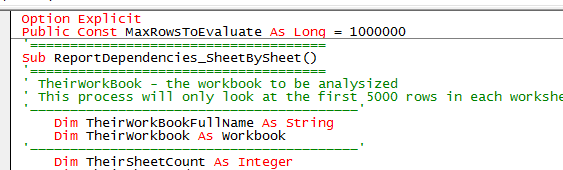
A sample of my view of VBA Source Code.
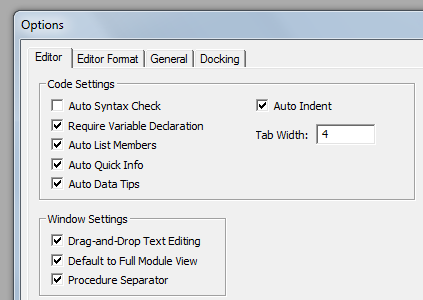
Always enable Require Variable Declaration.
Do not enable the automatic syntax checker. It will only interrupt your train of thought while you are working with and manipulating your VBA source code.
To make your code more visible select the Lucida Console (Western) FONT.
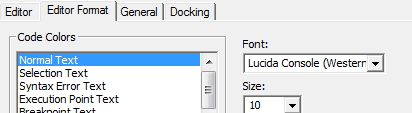
The Lucida Console Western makes it much easier to distinguish:(1;i;I;l;L).
The digit One; the lowercase “eye”; the uppercase “eye”; the lowercase “ell” and the uppercase ‘ell”.
To make the VBA keywords standout display them in RED. RED is far more visible than the default BLUE.
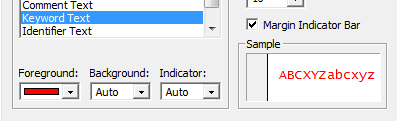
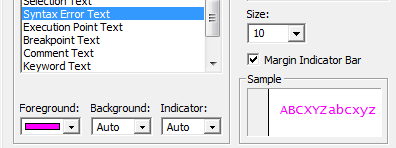
To keep track of syntax errors display them in MAGENTA.

 alfred-excel-vachris
Great recommendations!
Thanks!
LikeLike
Excellent suggestion. I use Consolas (Western) as it give the same distinctions and both fonts are spaced uniformly, which is important. Thx
LikeLike